AI in Data Visualization Report – landing page & visual assets
Client:
Scope
Tools
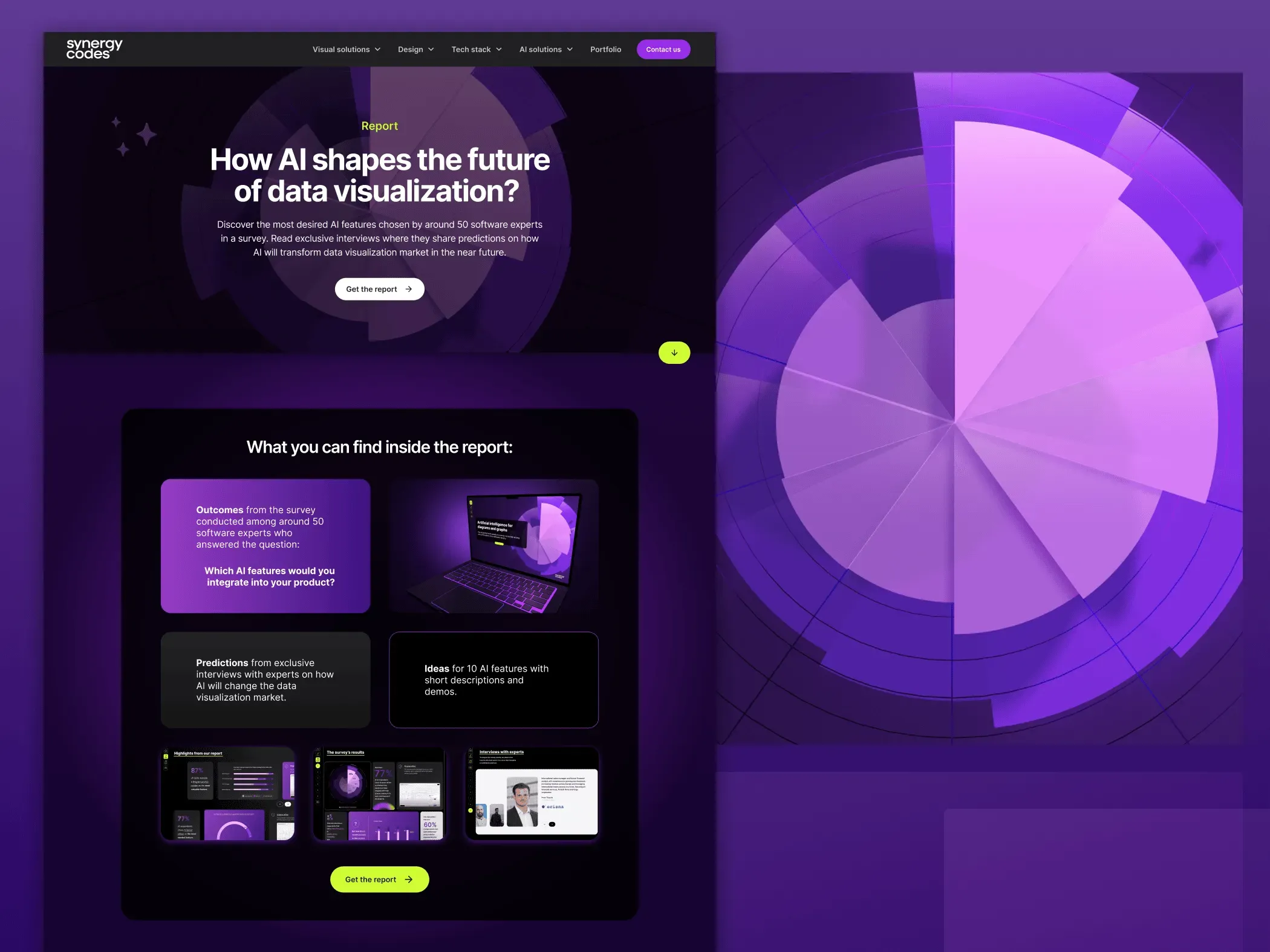
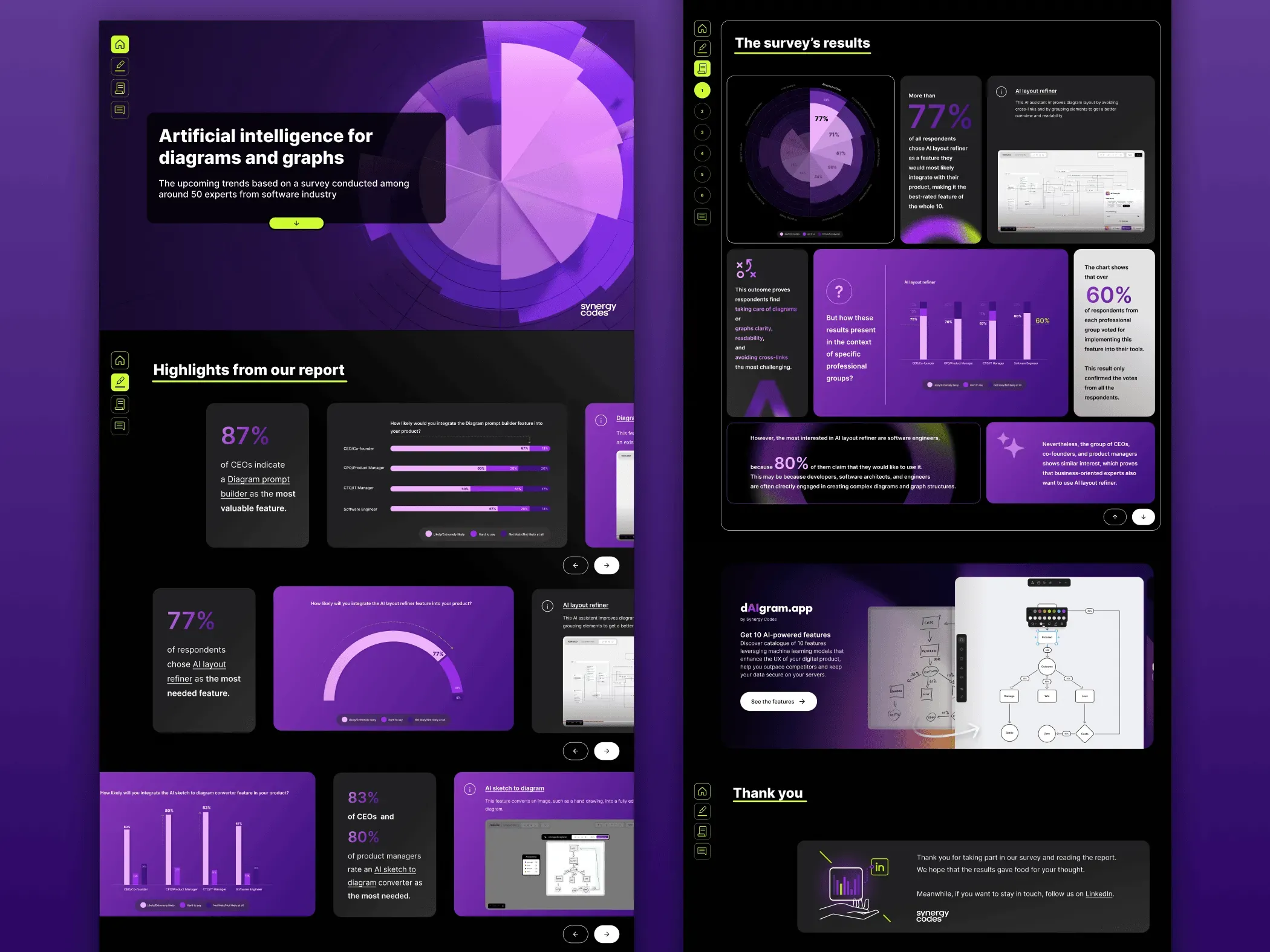
I designed and produced a marketing landing page and supporting visual assets for AI in Data Visualization, a thought-leadership report by Synergy Codes exploring how AI is transforming diagramming and analytics products.
The goal was to present complex, expert-level content in a clear, engaging, and visually distinctive way consistent with the company’s brand and audience of SaaS and engineering teams.
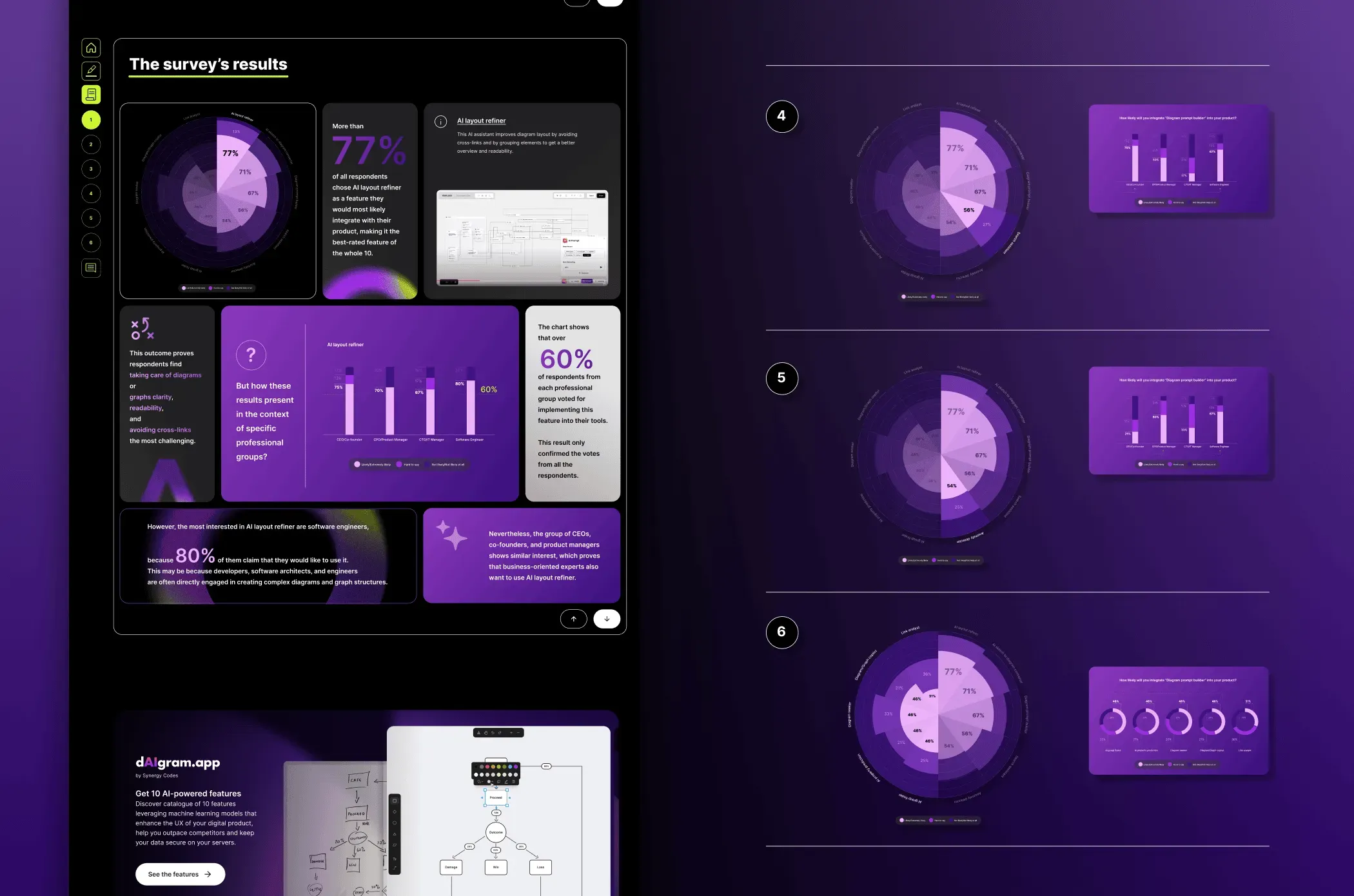
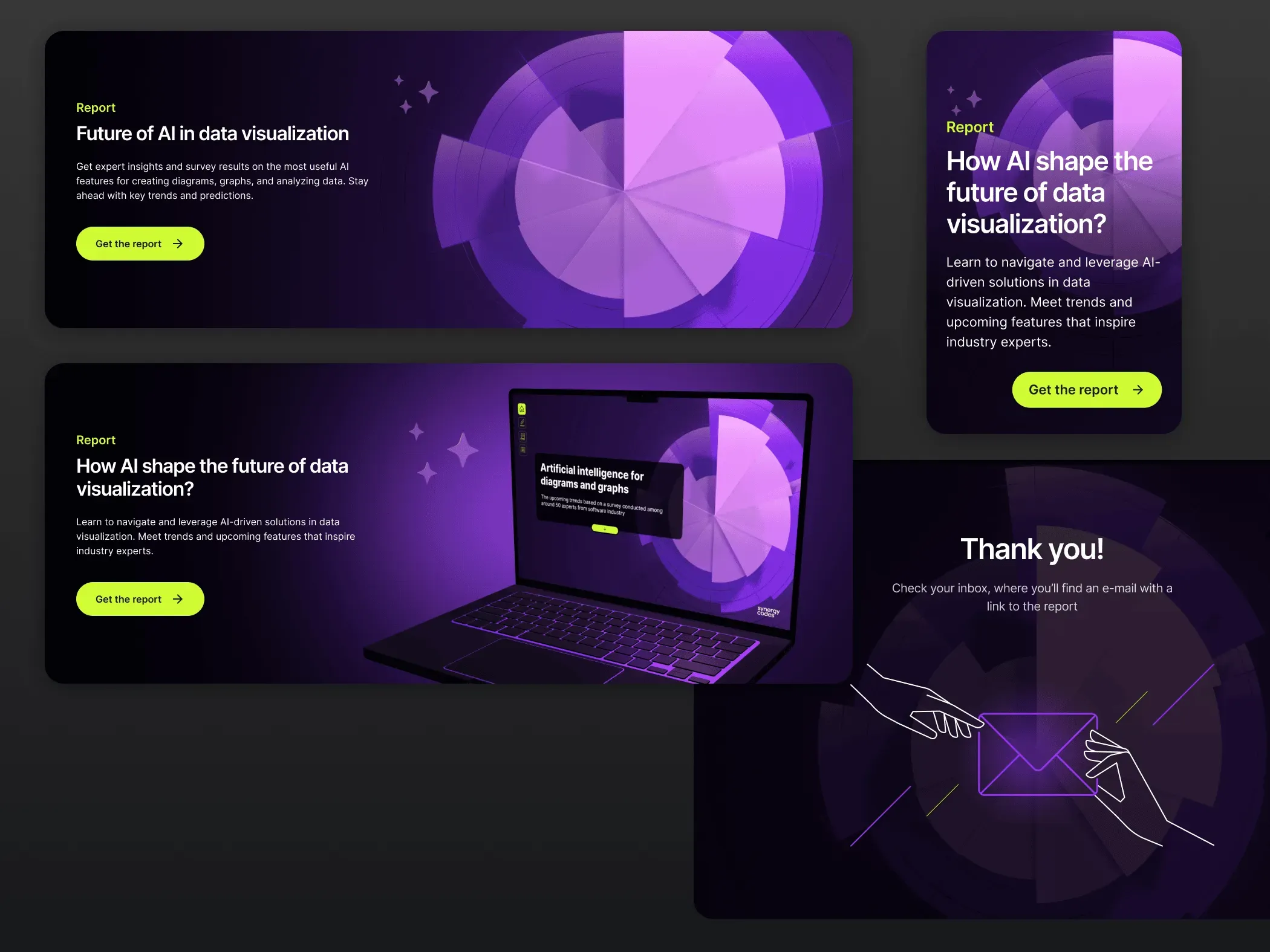
In addition to the landing page, I designed a set of promotional assets supporting the report’s distribution across Synergy Codes channels. This included website banners and homepage placements, blog promo blocks, and social media graphics (primarily LinkedIn).
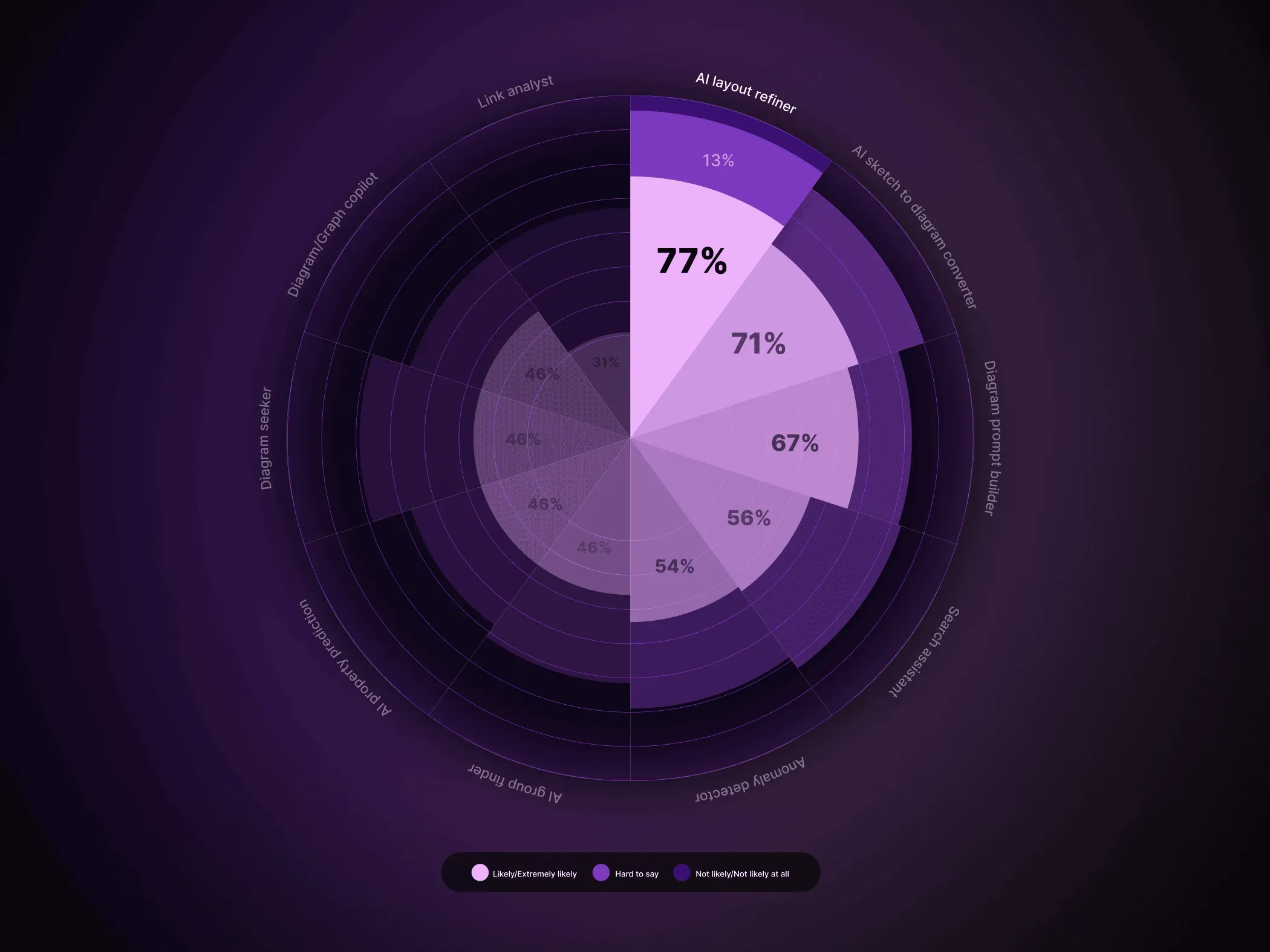
All materials were built from the same modular visual system (gradients, radial data forms, and UI-inspired elements), ensuring visual consistency and easy adaptation to different formats and placements. The campaign visuals helped extend the report’s presence beyond the landing page and maintain a cohesive AI-focused identity across touchpoints.