Technical Spot Illustration and Icons System
Client:
Scope
Tools
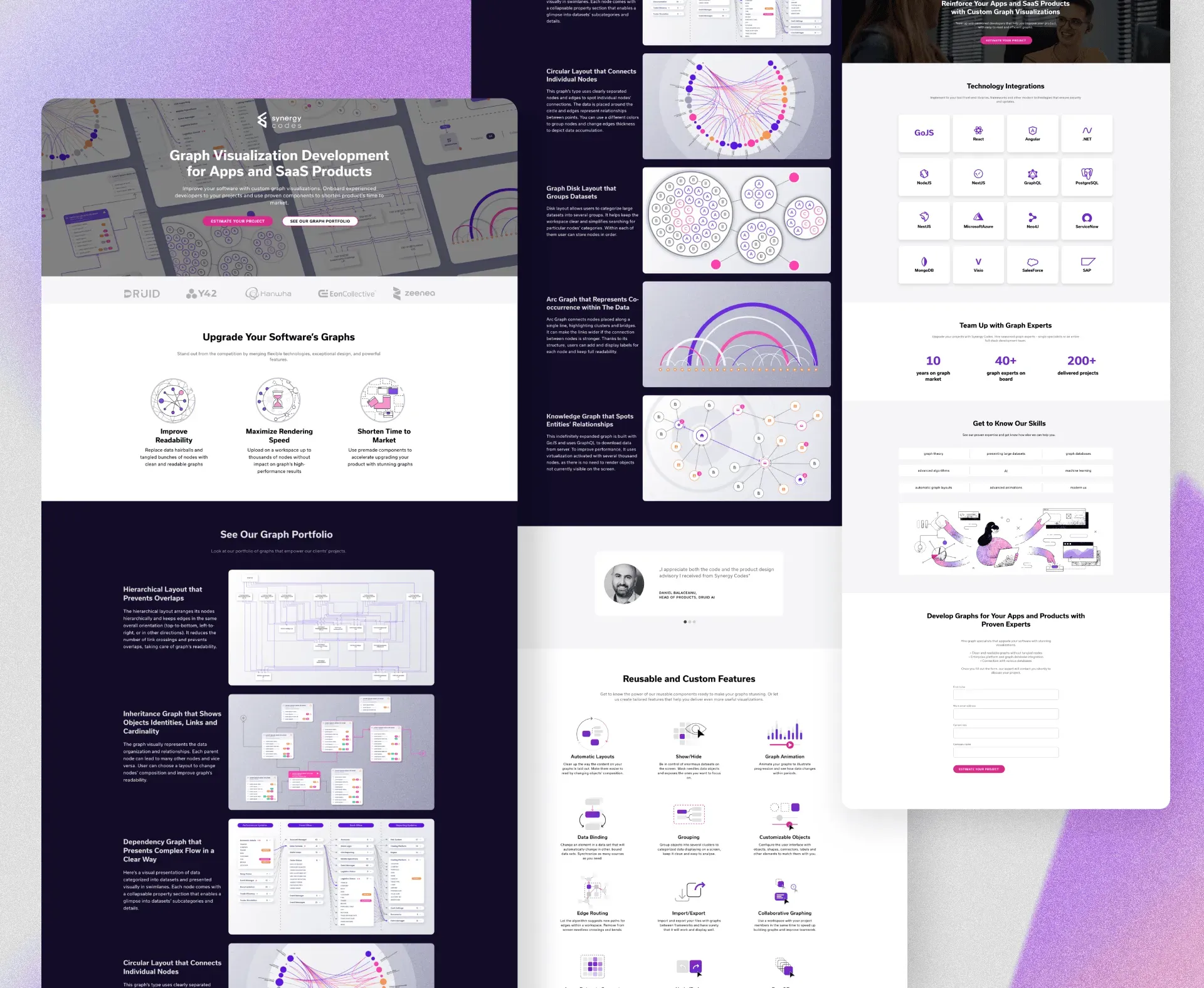
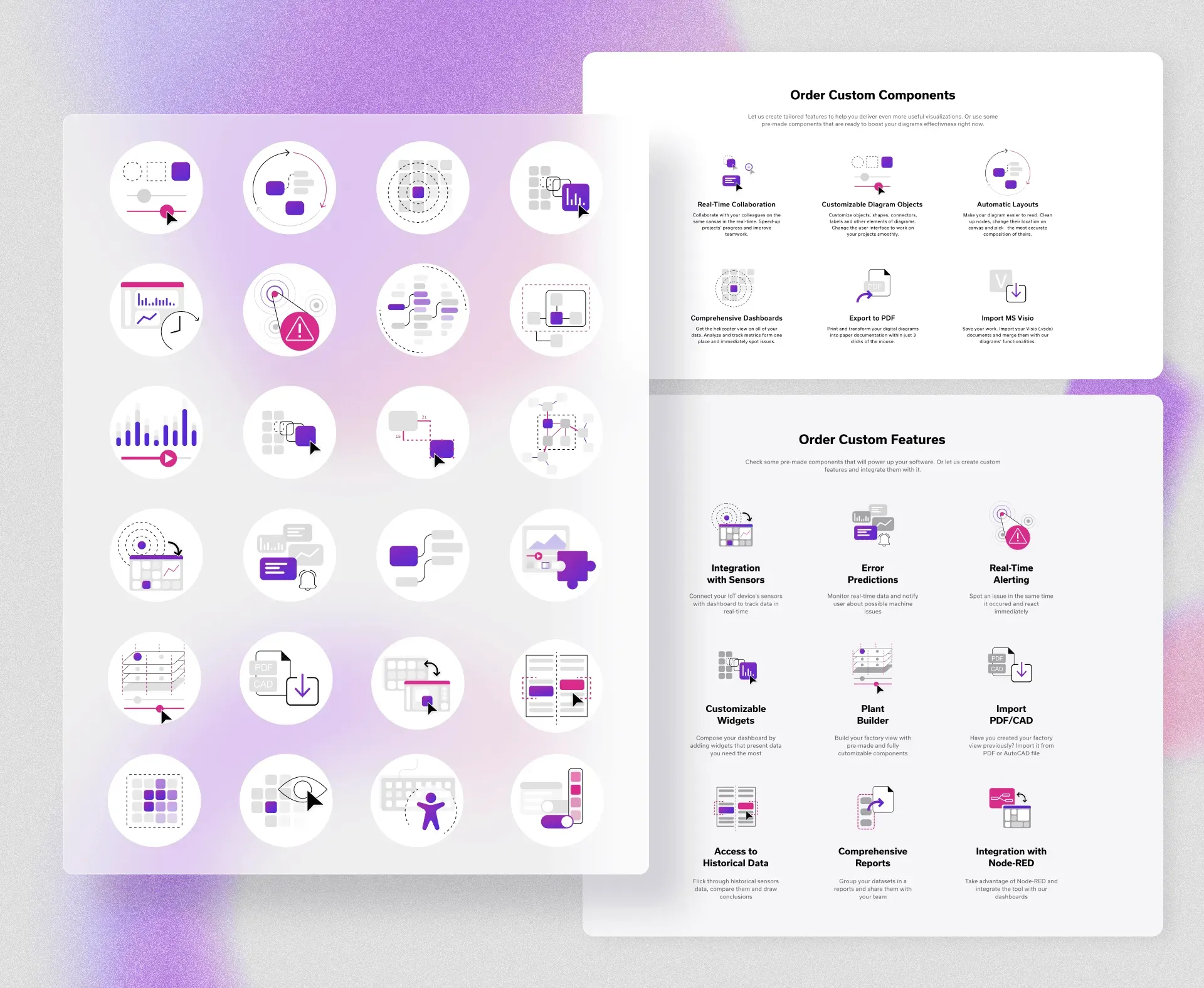
A scalable system of technical spot illustrations was developed to visually communicate complex software capabilities across Synergy Codes’ marketing and product pages. The objective was to replace generic iconography with a distinctive visual language capable of explaining abstract technical concepts such as data flow, automation, integrations, graph structures, and real-time processing in a clear and engaging way.
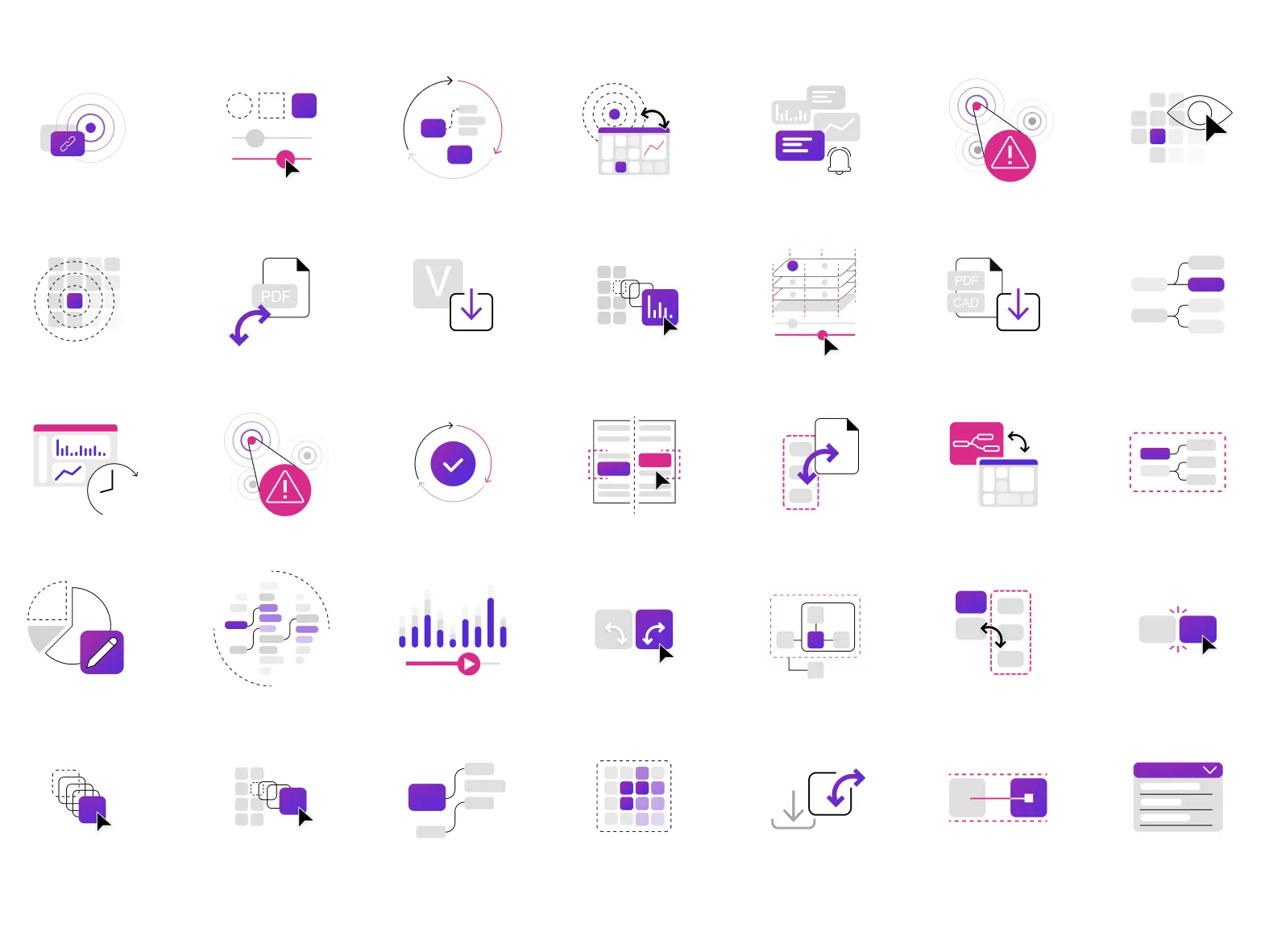
The illustrations combine simplified UI metaphors, diagram fragments, and geometric elements derived from data visualization structures. A consistent construction logic was established, including line weights, node and connector motifs, color accents, and circular containers, ensuring recognizability and cohesion across dozens of feature contexts and layouts.
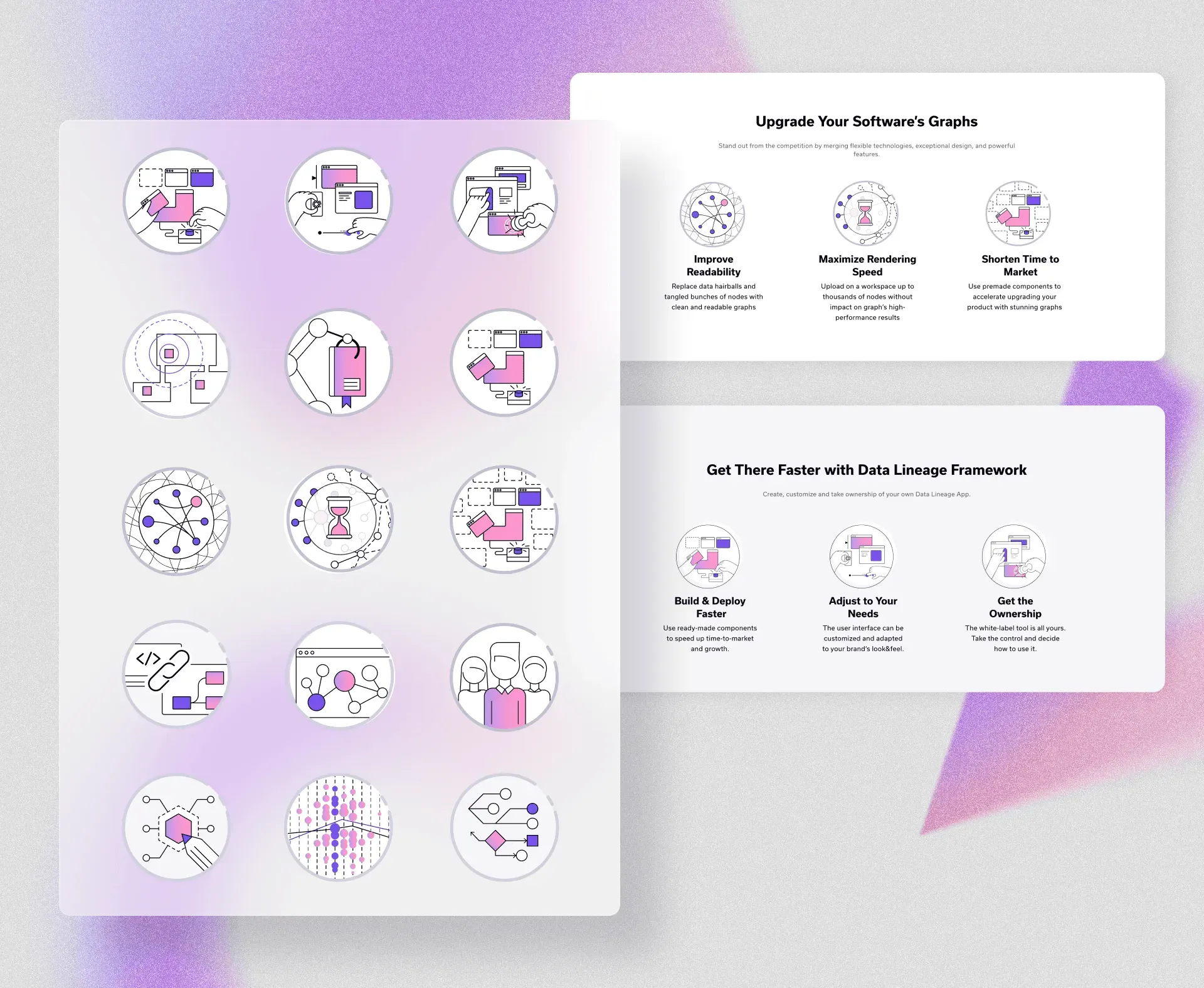
The system was designed for flexible use within landing page feature sections, product overviews, and technical marketing content. Variants were optimized for different densities and sizes, from compact feature icons to larger explanatory spot visuals, while maintaining clarity and visual balance within grid-based UI compositions.
The resulting library provides Synergy Codes with a reusable illustration framework that strengthens brand identity, improves scannability of technical content, and supports consistent expansion as new product capabilities and features are introduced.